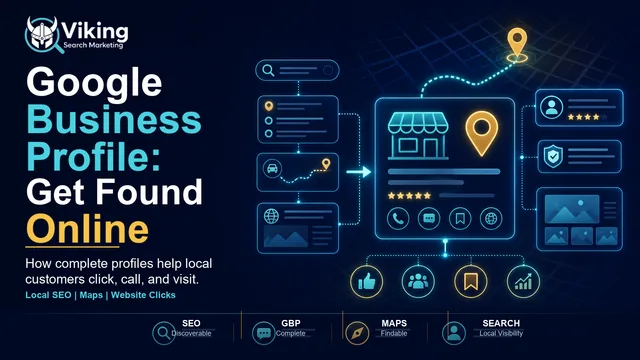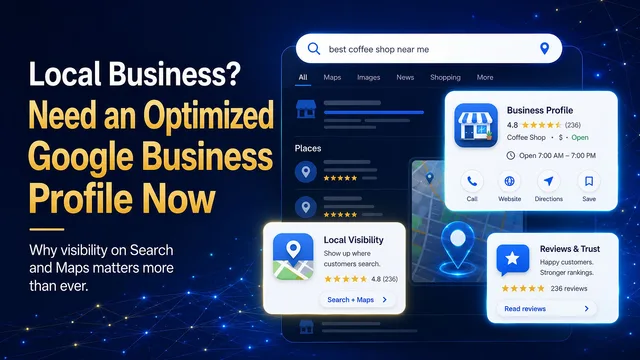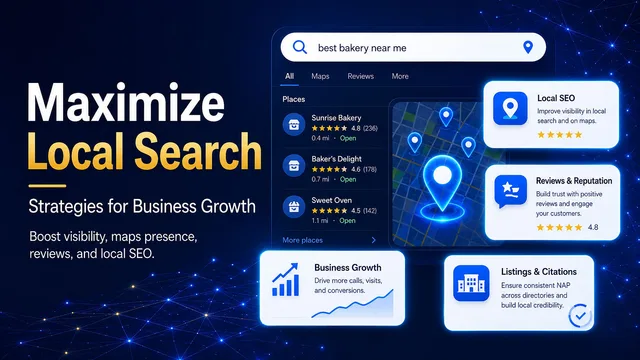
If your business is not showing up on Google Maps, it can feel like you are invisible at the exact moment customers are ready to choose someone. They search for a service near them, competitors appear, and your business is nowhere to be found.
The good news is that most Google Maps visibility problems are fixable. The key is knowing whether you have a visibility issue, a Google Business Profile setup issue, a policy issue, or a broader local SEO issue.
Google explains that local results are mainly based on relevance, distance, and prominence. Relevance is how well your profile matches the search. Distance is how close your business is to the searcher or searched location. Prominence is how well-known and trusted your business appears to be across Google and the web.
With that in mind, here are seven common reasons a business may not show up on Google Maps, along with practical fixes.
Problem 1: Your Google Business Profile is not verified
If your profile is not verified, Google may not fully trust that you are authorized to represent the business. Verification is one of the first steps toward making sure your information can appear properly across Google Search and Maps.
The fix: Sign in to the Google account connected to the business, search for your business name or go to your Business Profile, and complete the verification steps Google requests. Depending on the business, that may involve video, phone, email, mail, or another verification method.
Problem 2: Your business information is incomplete or inaccurate
Google says businesses with complete and accurate information are more likely to show up in local search results. If your profile is missing key details, has old hours, uses an outdated phone number, or points customers to the wrong website, it can weaken both search visibility and customer trust.
The fix: Review your business name, address or service area, phone number, website URL, business hours, special hours, services, products, attributes, and business description. Make sure the information matches what customers see on your website and other important listings.
Problem 3: You chose the wrong business category
Categories help Google understand what your business does. Google notes that categories can affect local ranking and help connect your business with customers searching for your products or services. If your primary category is too broad, too vague, or simply wrong, you may be competing in the wrong search results.
The fix: Choose the most specific primary category that describes your core business. Add only relevant secondary categories. Avoid selecting a category for every service you offer; the goal is clarity, not stuffing.
Problem 4: Your location or service area is confusing
Google Maps depends heavily on location signals. If your address is wrong, your map pin is misplaced, your service area is missing, or you are using an address that does not follow Google’s guidelines, your visibility can suffer. This is especially common for service-area businesses that visit customers instead of serving them at a storefront.
The fix: Use a precise, accurate address if customers visit your location. If you are a service-area business, follow Google’s service-area guidance and hide your address when appropriate. Check the map pin, service area, and website location signals so they all tell the same story.
Problem 5: Your profile is suspended, restricted, or affected by policy issues
Sometimes the issue is not ranking. It is eligibility or policy. Google may restrict, suspend, disable, or reject content from Business Profiles that violate policy, use ineligible addresses, misrepresent the business, or have account-level issues.
The fix: Check your Business Profile status. Review Google’s Business Profile policies and guidelines, especially around business name, address, service area, duplicate profiles, virtual offices, and eligibility. Fix the root cause before appealing or resubmitting changes.
Problem 6: You do not have enough trust and prominence signals
Prominence is about how well-known and trusted a business appears to be. Google’s local ranking guidance mentions signals like links, reviews, positive ratings, and broader web information. If competitors have more reviews, stronger ratings, better photos, stronger websites, and more consistent citations, they may win more local visibility even if your profile technically exists.
The fix: Build a steady review process, respond to reviews, add high-quality photos, keep your profile active, improve your website, and make sure your business information is consistent across important directories. Prominence is earned over time, but small improvements compound.
Problem 7: Your website does not support your local SEO strategy
A Google Business Profile and a website should support each other. Your profile helps you appear in Maps and local results. Your website gives Google and customers deeper context about your services, locations, expertise, and trustworthiness. If your website has thin service pages, missing local content, inconsistent contact details, weak internal linking, or poor technical SEO, your Maps visibility can be harder to grow.
The fix: Align your website with your profile. Build clear service pages, add local relevance where it is real, use consistent business details, strengthen internal links, add helpful FAQs, and make it easy for visitors to call, book, or request help. Google Search Central also recommends establishing business details through your website, Business Profile, Search Console, and structured data where appropriate.
One important reality: distance still matters
Not every Maps visibility problem can be fixed with profile edits. Distance is one of Google’s local ranking factors, and you cannot optimize your way into being physically closer to every searcher. A business across town may show up for someone nearby because it is closer, even if your profile is better.
That is why the smartest strategy is not to chase every possible map result. It is to become the strongest, clearest, most trusted option for the searches and locations where your business is genuinely relevant.
How to know what is holding your business back
Start with the basics: Is the profile verified? Is the business information complete? Are the categories right? Does the address or service area follow Google’s guidelines? Are there policy warnings? Do reviews, photos, website content, and citations support your prominence?
If you can answer those questions clearly, you can usually find the bottleneck. If you cannot, it may be time for a local visibility audit.
Viking Search Marketing helps businesses create, repair, optimize, and maintain Google Business Profiles so they can become easier to find in Google Search and Maps. Learn more here.
Related reading: Do Google Reviews Help You Rank on Google Maps? and Google Maps vs. AI Search: How Local Customers Find Businesses in 2026.
Sources
Google Business Profile Help: Tips to improve your local ranking on Google - https://support.google.com/business/answer/7091
Google Business Profile Help: Manage your business category - https://support.google.com/business/answer/7249669
Google Business Profile Help: Guidelines for representing your business on Google - https://support.google.com/business/answer/3038177
Google Business Profile Help: Overview of Google Business Profile policies - https://support.google.com/business/answer/13762416
Google Search Central: Establish your business details with Google - https://developers.google.com/search/docs/appearance/establish-business-details